Articles · AI Design
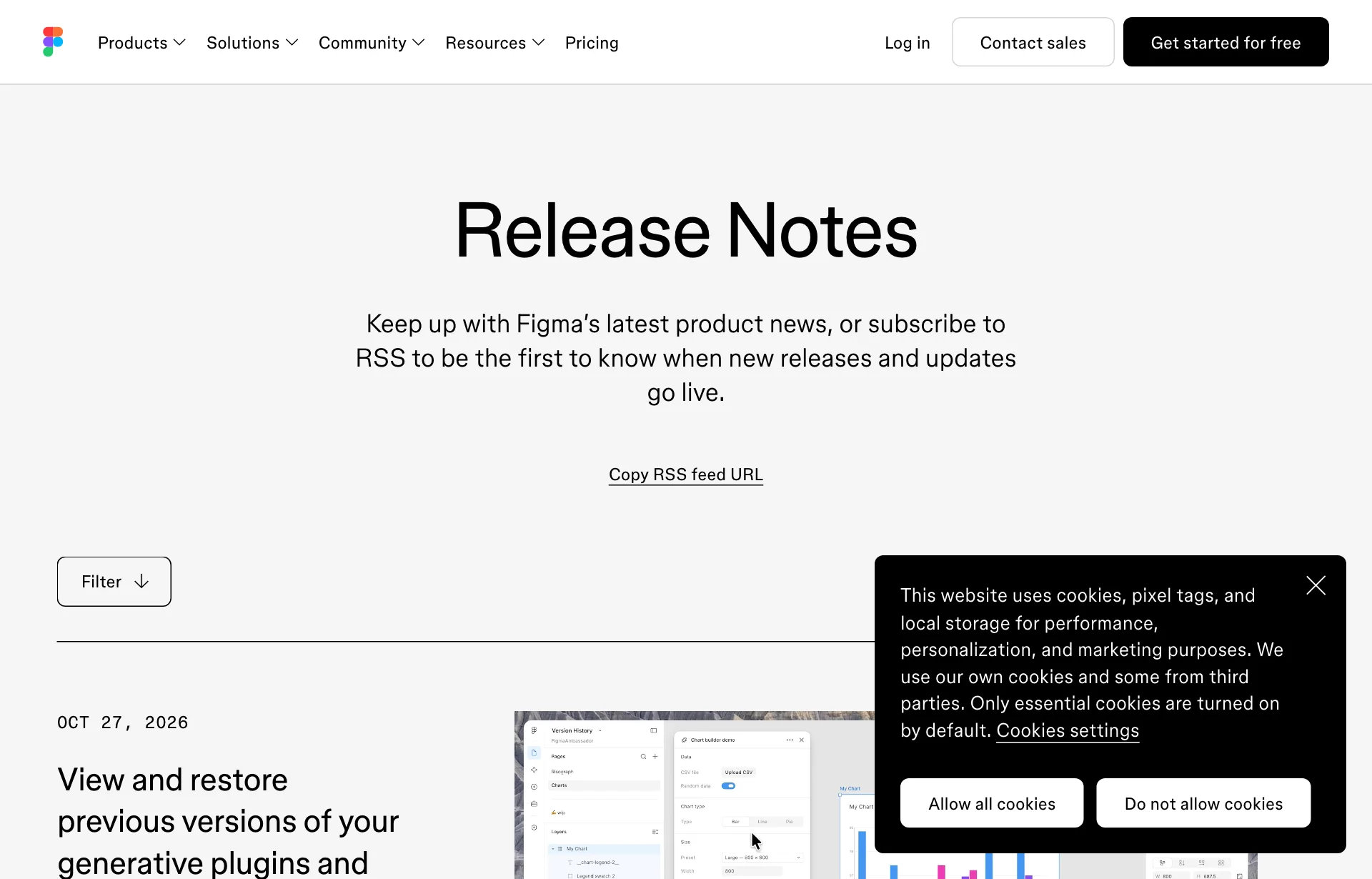
"The earlier effect was better": Figma's generative shaders and plugins now keep version history
When you edit a shader or generative plugin made by Figma's agent, earlier versions are now kept and can be restored. What the October 27 release note, Figma's help pages and developer docs confirm, what they leave out, and what to do before the next edit.
Translated from the Korean original. Read in Korean
The client's email is short. "The glow effect from before was better. Can you show me that one again?"
You asked Figma's agent for a shader, then asked it to fix a few things two or three times. Somewhere in there the first version disappeared. That scene should now be less painful. (This is an imagined scene, not something that happened to me.)
On October 27, Figma's release notes added an entry titled "View and restore previous versions of your generative plugins and shaders." This is not a hands-on review. It is based on the release notes, Figma's help pages and forum post, and the developer docs. I did not find where in the interface the version list lives in any page I opened.
First, what shaders and generative plugins are
A shader is a small graphics program that changes pixels in real time. You apply it to an image or layer as an effect, or use it as a fill. Figma's help page lists Bloom, Dither, Halftone, Gooey merge and Warp as effects, and Clouds, Fractal noise, Mesh gradient and Water caustics as fills.
A generative plugin is a code-backed tool, such as a layout generator or a QR code maker. Both are built by asking the agent in plain language. In a September 1 blog post, Figma product designer Rogie King wrote that he could create the same shader "with one simple prompt, maybe two to nail it."
What the release note says
The body has three parts.
- Editing a generative plugin or shader now creates a new version, and earlier versions are preserved so you can revisit and restore them.
- Each new version gets an agent-written description that forms a change log. You can also see which version is currently published.
- "Rolling out this week."
| Item | What the release note says |
|---|---|
| Date | October 27, 2026, rolling out this week |
| Applies to | Generative plugins, shaders |
| What you can do | View and restore earlier versions |
| Change log | Agent-written description per version |
| Where to find it | Not mentioned |
| Plans | Not mentioned |
Source: Figma Release Notes (checked 2026-10-30). "Not mentioned" means the note says nothing on the subject.
The entry has no help-article link either, so I cannot give button names or click paths.
An agent writes the change log
Humans rarely keep up with version names. "Final," "final2," "really final." Since the agent writes a description for each new version, the list at least says what changed.
How accurate those descriptions are, I do not know. An agent could write "softened the glow" and also have changed a color. Open the version and look before trusting the text. That is general caution, not a reported problem with this feature.
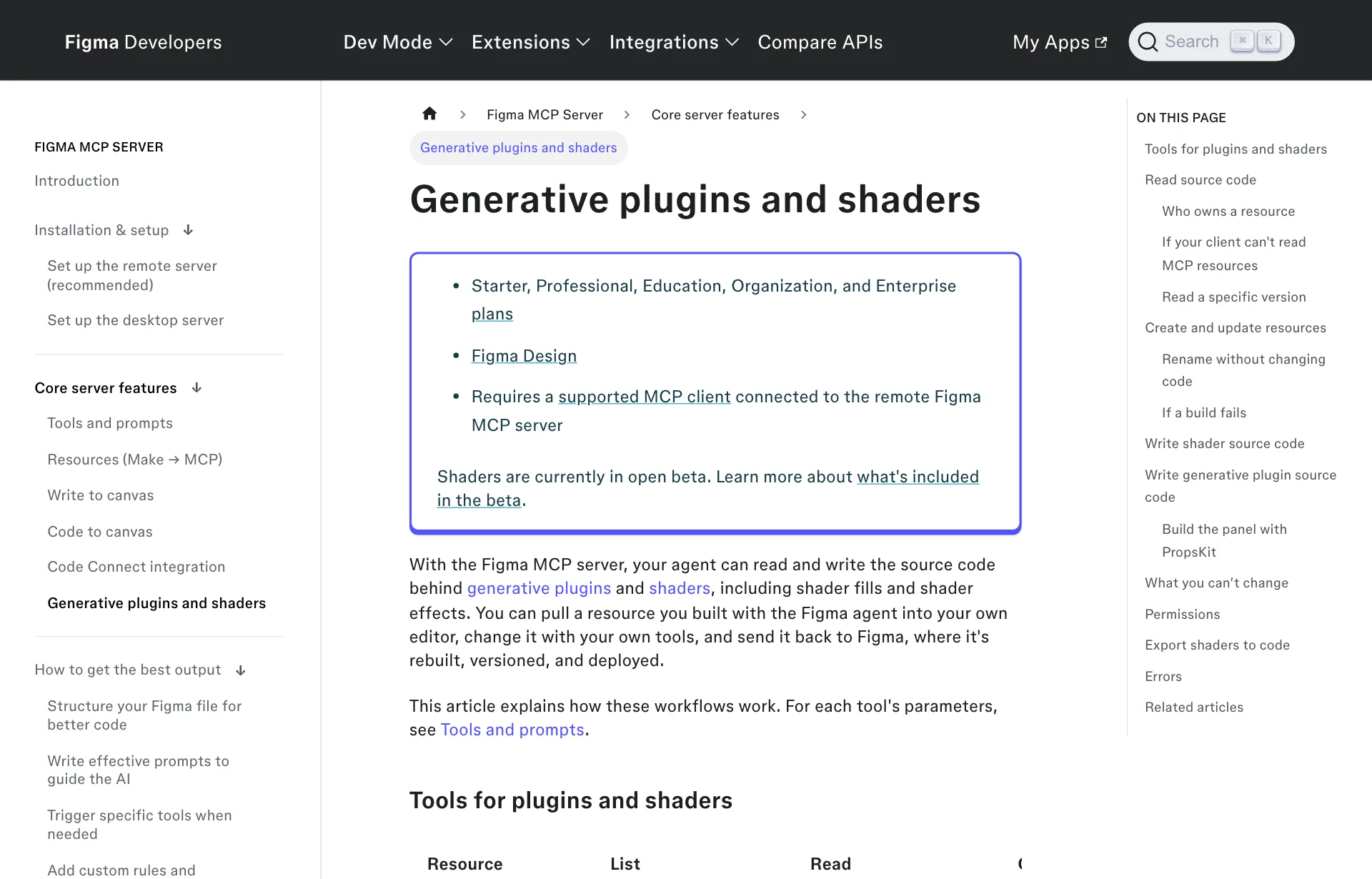
How far versions reach: the developer docs
The developer docs for generative plugins and shaders on the Figma MCP server also mention versions. This is a separate matter from the restore feature in the release note.
- Read tools take an optional
version, a 40-character commit SHA. Leave it out and you get the latest. The docs suggest using it to read the exact code a file uses, or to compare two versions. - An update call builds, versions and deploys in one step. "There's no separate publish step."
- Updates can only replace existing files. For shaders that is
main.ts; for plugins,code.tsandui.html.features.json, which controls animation and mouse interaction, andmanifest.jsoncannot be changed. - Source code is visible to anyone with access, so secrets must never go in.
- If a build fails, the agent makes the smallest fix the compiler suggests, tries once more, then shows you the error.
The line that stands out is "no separate publish step." Ask an external agent for a change and it goes live. That is an uncomfortable setup without a way back, and the new version history looks like it fills the gap. But I could not confirm that the developer docs mention the restore feature. How the two connect is my guess.
What else was confirmed around the same time
The October 7 forum post lists the wider expansion.
- You can ask the agent for motion shaders that react to mouse movement.
- Shaders and generative plugins can be published to the Figma Community.
- Private publishing inside an organization is available only on Organization and Enterprise plans.
- You can view and download shader and plugin code inside Figma.
- Third-party agents can view and edit them through the MCP server. When a design with shaders is copied to an external agent, the shaders render correctly in the generated React code, according to the post.
The help page lists Starter, Professional, Education, Organization and Enterprise plans, and you need edit access to the file. Shaders are in open beta, and Figma warns that "features may change and you may experience performance issues."
Sources: Figma forum: Updates to generative plugins and shaders, Figma help: shaders and plugins made by Figma, Figma MCP server docs
Where do the credits go
Asking the agent to fix an effect can cost credits each time. The October 6 release note says Figma's agent became generally available and starts using AI credits that day. The September 1 blog said the beta was free and credits would apply "in a few weeks." Put together, credits now appear to apply.
How many credits one shader edit costs, I did not find. Nor did I find whether restoring a version costs anything. The order in which credits are spent is covered in Figma agent credits.
What is still unknown
- Where the version list is. The release note has no screen description.
- How many versions are kept, and for how long. Not stated.
- What restoring does. Whether it overwrites or copies the old version forward, I could not confirm.
- Whether existing tools are covered. It is unclear if edits made before the rollout are recorded.
- Whether edits through MCP by an external agent create versions. The release note and developer docs do not point at each other.
- When it reaches your account. It is a gradual rollout, and I could not check mine.
So for now
Name the current state before you edit. The change log is written by the agent. If a version is the one the client called "the look," leave a note or a duplicate in the file before asking for changes. The feature may not be in your account yet.
Ask for one change at a time. If color, glow and motion go into one sentence, the version description gets vague too. One request per version gives you a clear point to return to. Batching saves credits, and the two goals pull against each other, so choose by the size of the job.
Compare after restoring. What exactly a restore brings back is unknown. Right after restoring, turn the effect on and put it next to the image you sent the client. For building clickable mockups on the canvas, see Figma code layers in open beta. For a sense of how model choice affects credits, see Make's model picker.
Sources: Figma Release Notes, Figma forum: Updates to generative plugins and shaders, Figma help: shaders and plugins, Figma MCP server docs: Generative plugins and shaders, Behind the build: Generative plugins and shaders at Figma