Articles · AI Design
30 credits to change one font: Figma Make has a model picker, and Gemini 4 Argon just joined it
Gemini 4 Argon is now in Figma Make's model picker. What Figma's release notes, help pages and Google's docs confirm, what they leave out (credit cost per run), and a simple way to log the same prompt on two models.
Translated from the Korean original. Read in Korean
The client's email is short. "Can you swap the font on the mockup and show me once more?"
You type one line into Make's chat. The result looks fine. But the credit balance has dropped noticeably. Figma's help page says that changing a font takes roughly 30+ credits on its default model. Once is fine. Twelve revision requests is a different story. (This is an imagined scene.)
There is one lever for this: the model picker in Make's chatbox. On October 13, Gemini 4 Argon was added to it. This is not a hands-on review. It is based on Figma's release notes and help pages, plus Google's model documentation and announcement post. I did not find how many credits a single Argon run in Make costs in any page I opened.
The release note is three lines long
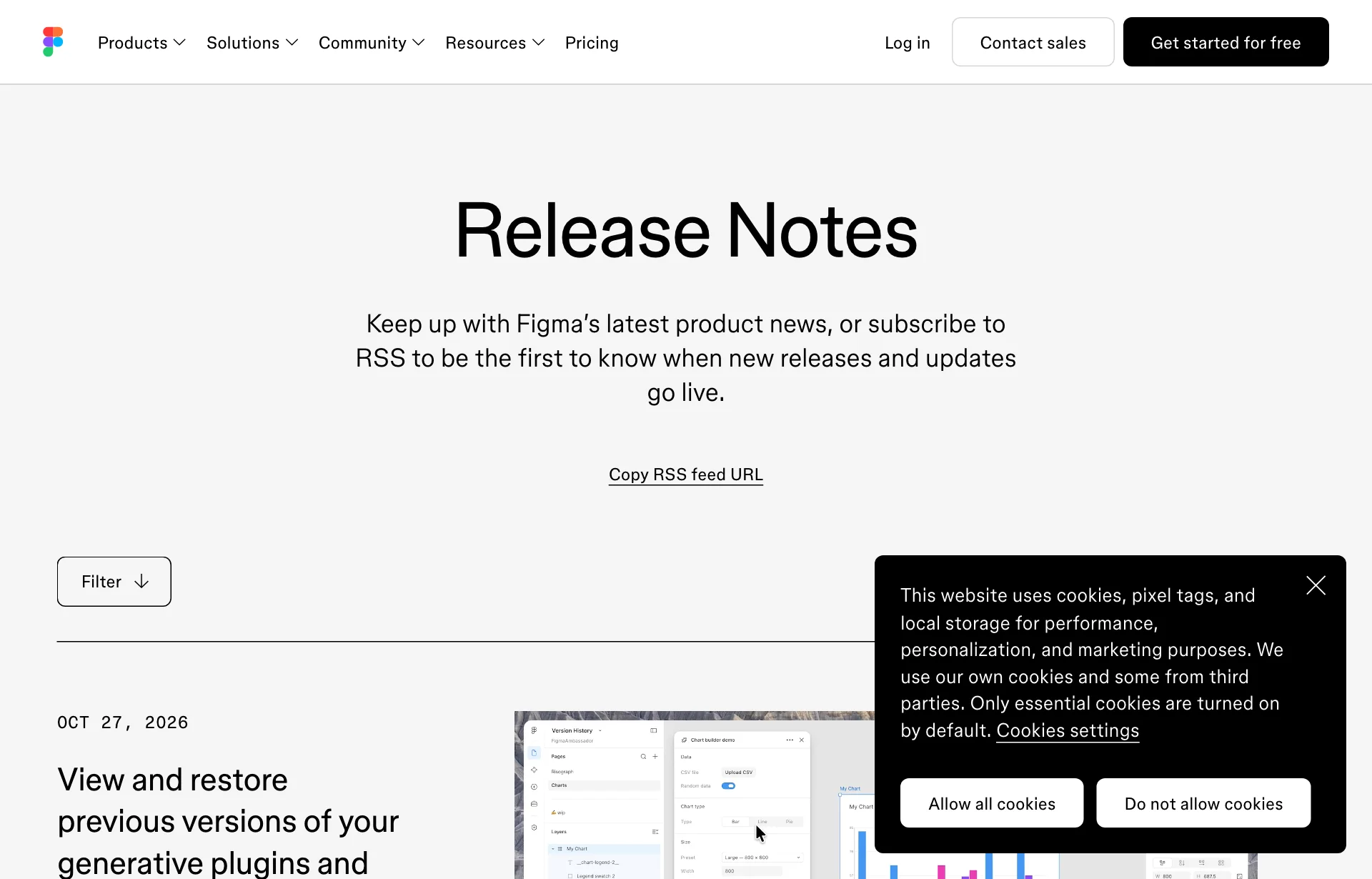
The October 13 entry is titled "Gemini 4 Argon is rolling out in Figma Make." It opens: "Gemini 4 Argon, Gemini's latest and most advanced model, is now rolling out in Figma Make." It also says how to use it and who gets it.
| Item | What the release note says |
|---|---|
| Date | October 13, 2026, rolling out gradually |
| Where to pick it | The model picker in the Make chatbox |
| Who gets it | All plans |
| Credits | Not mentioned |
Sources: Figma Release Notes, Figma What's new (checked 2026-10-28). The last row means the note says nothing on the subject.
Because the rollout is gradual, the picker may show up at different times for different accounts. I did not confirm whether it appears in my own account today.
What Google's docs confirm, and what they leave blank
The model itself I checked in Google's developer docs. The model ID is gemini-4-argon and its status is listed as stable. The context window, the amount it can hold across input and output, is 1,048,576 tokens. It accepts text, images, video, audio and PDF. Output is text only. The docs state that image generation is not supported.
That last line matters in practice. Argon is a model for structure and code, not for drawing pictures. Inside Make, images run through a separate image feature. Figma's help page lists 16 credits per image for Nano Banana 2 and 2 credits per image for ChatGPT Images 2.0. Switching the chat model does not move those numbers.
Google's October 13 post says Argon is available in the Gemini app and mentions coding improvements, for Google AI Pro and Ultra subscribers. It makes no specific claim about design or building screens, and neither the post nor the model page gives benchmark numbers. The docs page did not list a price either. Some other sites quote prices, but they are not official sources, so I left them out.
So what is confirmed is that Figma calls this its most advanced model available in Make. There is no evidence yet that it beats the other models on design work.
Credits drain differently by model
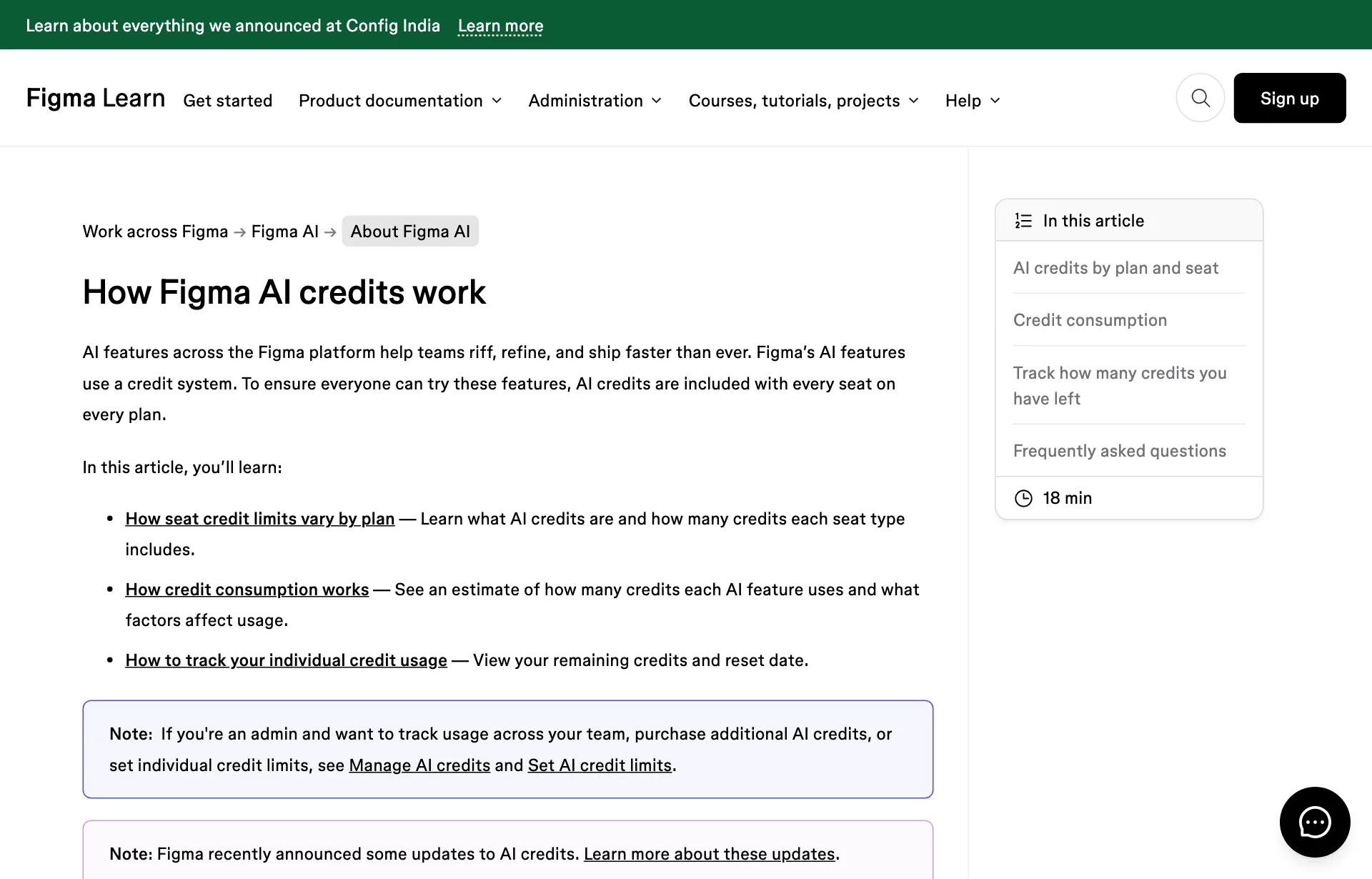
Figma's help page "How Figma AI credits work" has two relevant sentences. One: "If more than one model is available, like in Figma Make, you can choose which model to use." The other: "Some models consume significantly more credits than others." It adds that each Make model has its own pricing structure, which varies with task complexity.
The task examples for Make on that page are all there is.
| Task | Credits (approx.) |
|---|---|
| Changing a font | about 30+ |
| Making an attached design interactive | about 75+ |
| Generating an app from scratch | about 100+ |
Source: How Figma AI credits work. The page says these examples were calculated with the default model as of February 2026. There is no per-model table for Make chat.
These are not Argon's numbers. The page does not name the default model or say whether it is still the same. Use the figures only for scale: an app costs about three times what a font change does.
The order in which credits are spent matches what was covered in Figma agent credits: seat credits first, then subscription credits, then pay-as-you-go.
On the team side, admin controls grew on October 22
Picking a model is an individual choice, but limits are set by admins. The release notes have an October 22 entry for Enterprise admins. It opens: "Admins on Enterprise plans have more ways to manage paid AI credit usage."
- Admins can set default access to paid AI credits at the organization and billing group levels.
- Through an identity provider (the company's account system), they can set credit access and limits for SCIM-managed users.
- They can block members from creating new Starter or Professional plans with company email addresses.
- Admin REST APIs can automate team, folder and file management.
- It is rolling out to Enterprise plans "in the coming days."
Per-person settings are confirmed in the help page. Admins can choose full access, a custom monthly limit or no access for each person, and people who hit a limit can ask the admin for more. A request does not change anything automatically. Admins on paid plans can see usage, while history and CSV export are limited to Organization and Enterprise admins.
This does not apply to freelancers working alone. For a designer on a team account doing client work, it is worth knowing that an admin can see usage by person. Whether the usage screen breaks it down by model was not in the pages I read.
What is still unknown
- Argon's credit cost. I found no public figure comparing the same task on the default model and on Argon.
- Which model is the default. The 30, 75 and 100 credit examples do not name their model.
- Design quality. I found no independent comparison of Argon on layout, spacing or type sizes.
- What else is in the picker. The release note mentions only Argon. The help page links to a separate article for other models.
- Plan differences. It is available on all plans, but how many runs fit inside the free plan's monthly credits is unknown.
- Korean text. None of the sources say how reliably it handles Korean copy inside a screen.
Logging the same prompt on two models
With no public numbers, the only way is to measure. The method is simple.
- Pick one small task whose result is easy to see, such as changing a font.
- Open two copies of the same file and give the same sentence. One uses the default model, the other Argon.
- Write down the credit balance before and after. Your own usage is visible from the main menu of any file.
- Count what went off in the result (spacing, color, type size).
| Model | Prompt | Before | After | Off-spec items |
|---|---|---|---|---|
| Default | [ ] | [ ] | [ ] | [ ] |
| Gemini 4 Argon | [ ] | [ ] | [ ] | [ ] |
The table above is an empty logging template. No values have been measured yet.
One run is a weak signal. Running the same task three times shows both the credit spread and the result spread. I would guess larger tasks vary more, but that is a guess until measured.
What to do now
Batch revision requests. Putting font, color and spacing into one sentence instead of three chats reduces the number of runs. Whether this costs fewer credits is not stated in the help page; if each request rereads the file, fewer runs should not hurt. That part is an inference.
Write down the balance before switching models. A new model in the picker is not a reason to make it the default. Measure one small task with the log above and post the numbers in the team chat. If credits are shared, that one line becomes the basis for an admin-settings discussion.
Count images and screens separately. Argon outputs text and images come from a separate feature. Noting how much of the month's credits goes to images and how much to screen edits shows where they leak. For the data side of Make, see Make with Payload, and for setting rules first, Lovable's design system.
Sources: Figma Release Notes, Figma What's new, How Figma AI credits work, Manage AI credits, Gemini 4 Argon, Gemini API docs, Google: Gemini 4 availability