Articles · AI Design
The brief lives in Drive, the design lives in Figma. The agent now travels between them
Figma's October 30 release notes added a Google Drive connector for the Figma agent and Make, on all plans. What the release note and help page confirm about setup, permissions, write-tool defaults and file-size limits, and what they leave out.
Translated from the Korean original. Read in Korean
The client's email goes like this. "The survey results are in the Drive folder. Please reflect the complaints on the first screen, in the order they appear."
You open the folder, read the sheet, copy a summary into your notes, and only then go back to Figma. (This is an imagined scene, not an email I received.)
On October 30, Figma's release notes added an entry that shortens that round trip. It is titled "Connect Google Drive to the Figma agent, available on all plans."
This is not a hands-on review. It is based on the release notes and Figma's help page. I have not connected the connector in my own account, so anything the documents don't say, such as which Drive file types it reads, is left open.
What the release note says
The body is short. Connect Google Drive to the Figma agent and Make to bring the context of existing files into Figma. You can also create new Drive files without leaving your Figma file. The examples are summarizing research insights, referencing real data, and pulling in assets to edit on the canvas.
Connectors are available on all plans, including Starter. You add them from the plus menu in the prompt box.
| Item | What is confirmed |
|---|---|
| Date | October 30, 2026 |
| Applies to | Figma agent, Figma Make |
| What it does | Read Drive files, create new Drive files |
| Plans | All plans, including Starter |
| Where to add it | Plus menu in the prompt box (the help page says "Add context" → Connectors) |
| Credits | Not mentioned |
Source: Figma Release Notes (checked 2026-10-31), Figma Help: connectors. "Not mentioned" means neither document says anything about it.
Drive is one of 22 featured connectors
The help page shows Drive is not new in kind. It is one of 22 featured connectors that Figma says it has vetted for security and privacy:
Amplitude, Asana, Askable, Atlassian, Box, Contentsquare, Dovetail, Google Drive, Granola, GitHub, Hex, Linear, Mapbox, Marvin, Mobbin, monday.com, Notion, Slack, Sprig, Twilio, Zapier, zeroheight.
A few stand out for designers: Mobbin for app screen references, Dovetail for user-interview synthesis, zeroheight for design-system docs, Granola for meeting notes. Custom MCP connectors exist too, but they need a paid plan.
MCP here means a standard way for AI to call outside tools. The help page separates two directions. The Figma MCP server lets other AI tools read your Figma files. Connectors are the reverse: Figma's agent calls external tools.
How to connect
The help page lists four steps.
- Click "Add context" in the chat box and choose Connectors.
- Find the one you want and click Connect.
- Finish the service's OAuth sign-in (the Google permission screen).
- Click "Add context" again to confirm the connector appears.
If no sign-in window opens, a popup blocker may be the cause, so allow popups for Figma.
Reading is open, writing you turn on yourself
This is the most practical part of the help page.
- Tools are split into read tools and write tools. Pulling a Notion page or searching Slack is reading. Creating a Notion doc or a Jira issue is writing.
- Write tools are off by default. You have to enable them.
- Each tool can be set to "Ask to run," "Always run," or "Never run."
- You can switch a connector off for the current conversation without disconnecting it.
- Disconnecting does not delete data that already sits in the external tool.
I could not find which tools the Drive connector exposes. The release note says it creates new Drive files, so a write tool presumably exists, but its name and scope are unconfirmed.
Who can use it, and who can block it
- Each person adds and signs in to their own connectors. One teammate connecting it does not give it to everyone.
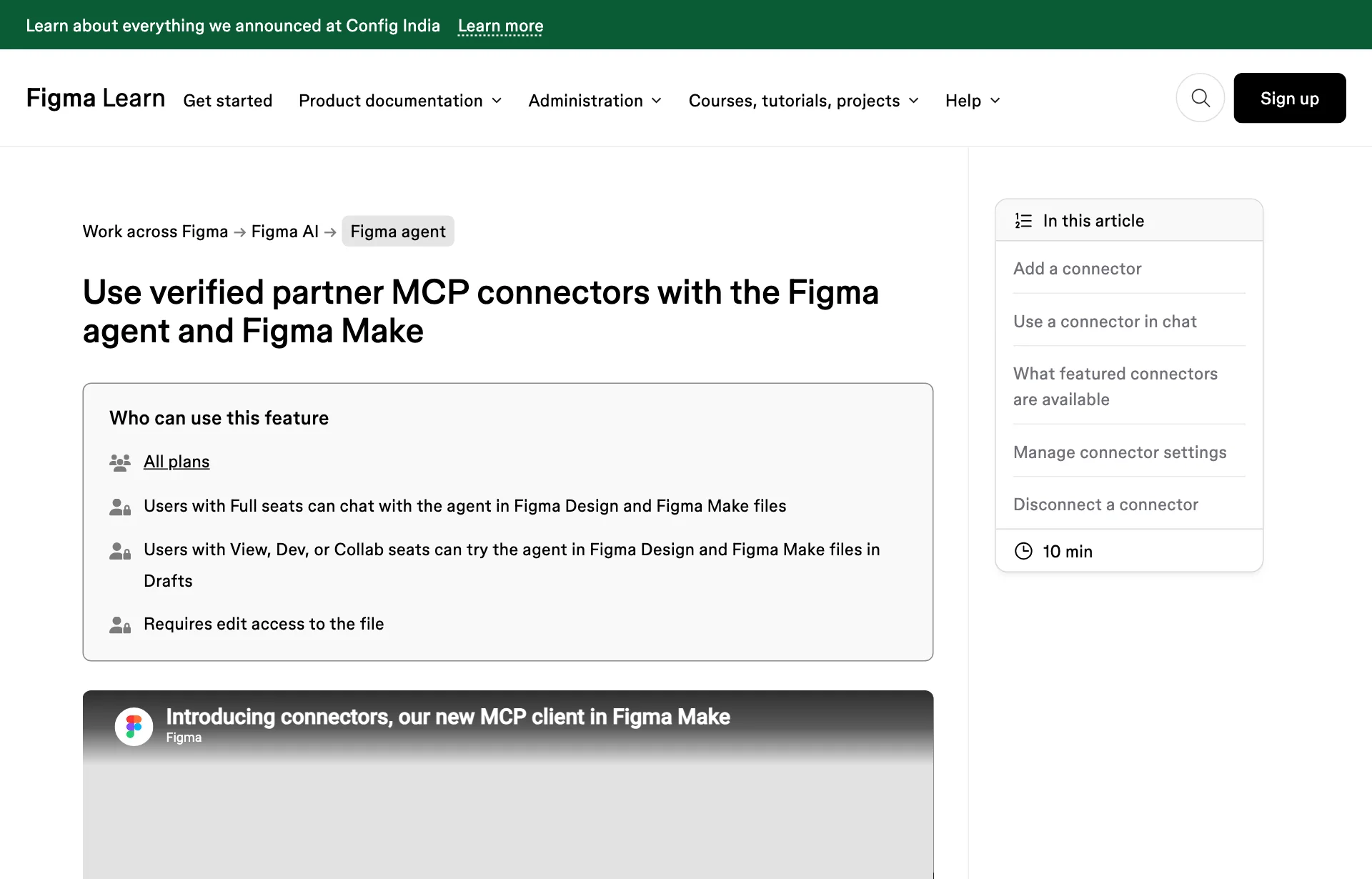
- An organization admin can turn the feature off. If Connectors is missing from your menu, that may be why.
- Edit access to the file is required. Full seats can chat with the agent in Design and Make files. View, Dev and Collab seats can try it in Drafts.
- The help page says Google Drive is not available with the Governance+ add-on.
- You need an account with the external service, and what you can reach may depend on your plan or role there.
16 MB and prompt injection: the cautions the help page gives itself
There are two.
The first is size. With a tool set to "Always run," file downloads can fail when the response exceeds 16 MB. Encoding inflates size, so images of roughly 5 to 6 MB can hit it. The page suggests switching to "Ask to run" and retrying.
The second is prompt injection. If text pulled from an outside source hides instructions aimed at the AI, the agent may follow them, and the help page warns about this. A client's own documents are probably fine, but a shared folder that people you don't know can edit deserves a second thought. That reading is my paraphrase of the warning. I did not see any report of this happening with the Drive connector.
What is still unknown
- File types it reads. Docs, Sheets, Slides, PDFs, images: the documents don't say.
- Shared drives. I could not confirm whether only My Drive works or team shared drives too.
- Credits. The help page says nothing about them, so the cost of reading a Drive file is unknown. The basic structure of agent credits is covered in Figma agent credits.
- Conditions for individual connectors like Mobbin. I only confirmed the name is on the list. Whether the other service needs a paid plan is a question for its own documentation.
- Whether it shows in your account. The note has no "rolling out" line, but I could not confirm the menu appears for everyone.
Before you try it
Tidy the Drive folder names first. Tell the agent "that survey file" and it will not find it. Keep one folder per project with the brief, research and assets, and put the date and content in the file names so the agent has less to guess.
Start with "Ask to run." Write tools are off by default, so watch what actually gets created in Drive the moment you turn one on. Switch to "Always run" once you are used to it. For large files, "Ask to run" is better anyway because of the 16 MB limit.
Ask for reading and creating separately. For example:
Read the survey summary in the Drive folder '○○ redesign' and write notes on the top three complaints as first-screen improvements. Don't create any files yet.
If the notes look right, follow with "Save this as a new doc in Drive." It is easier to find where things went wrong than with one big request. For passing context as a single markdown page, see Figma Specs. For the model picker, see Make's model picker.
Sources: Figma Release Notes, Figma Help: Use verified partner MCP connectors with the Figma agent and Figma Make