Articles · AI Design
A one-page proposal, straight from the chat window: Claude Design closes its standalone site on December 14
Claude Design now works inside any Claude conversation, Claude Code and the mobile apps, and the standalone claude.ai/design site closes on December 14. Based on Anthropic's own help page and product page: where to start, plans, exports, and what to move first.
Translated from the Korean original. Read in Korean
Type "Make this proposal into a one-page document" into a Claude chat, and a canvas opens beside the conversation with the result on it. That is the first example sentence in Anthropic's official Claude Design getting-started guide.
Before, doing this meant going to a separate address, claude.ai/design. Now it works inside the Claude conversation you already use. In Claude Code you call it with /design, and the phone apps can request designs too. In exchange, the standalone site closes on December 14, 2026. Anyone who built a design system there (a bundle of color, type and component rules) has to move it before then.
This piece relays only what Anthropic's getting-started guide and product page said when I opened them on November 6. I could not build and compare outputs myself, so I do not judge design quality. This site is built in conversation with Claude Code, which is worth knowing when reading Claude coverage.
Four ways in
The starting paths from the official guide:
| Where | How | Confirmed |
|---|---|---|
| Chat | Pick Output > Design in the input box, or just ask | Result appears on a canvas beside the chat |
| Artifacts tab | Choose the Design template | Same canvas |
| Claude Code | /design to create, edit and sync | Design systems via /design-sync |
| iOS and Android apps | Request in a chat, review later | Sharing settings only on web or desktop |
Source: Claude Help Center: Get started with Claude Design (checked 2026-11-06)
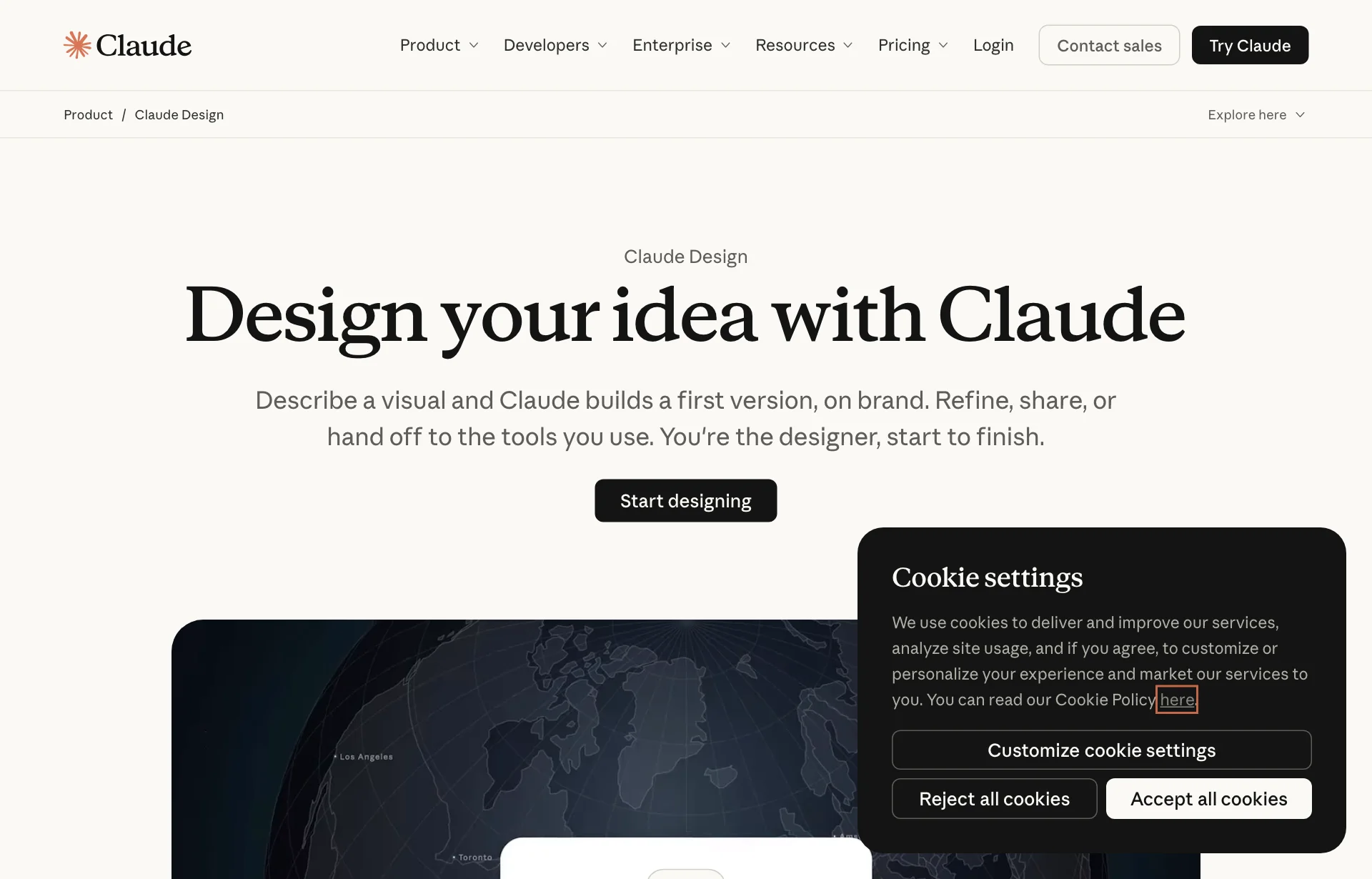
The product page describes the flow this way: you describe the visual, Claude builds a first version, and you refine, share or hand it off. Commenting on elements, editing text directly, adjustment sliders, and dragging to resize and align all happen on the same canvas.
Set your rules once and they follow you
This is the part designers will notice first. According to the guide, a new project automatically inherits your organization's design system, so brand colors, fonts and components apply from the start. The product page says Claude checks its output against that system before showing it to you.
You can import a design system from four places:
- A GitHub repository
- Design files
- Materials you upload
- A local codebase
Inside Claude Code, /design-sync does this. At team level, admins can lock a team to one approved system, and on Enterprise they can restrict who publishes, changes defaults or deletes.
This reads as the same problem we covered in our DESIGN.md article, solved from another side. Instead of a single file that spells out your rules, the rules live inside the product. Neither official page compares which one keeps results steadier.
Plans: the Free plan is included, officially
The product page says:
- Claude Design, Slides and Docs are included in every plan, including Free.
- Dashboards is in beta on paid plans.
- Motion is in beta on Team and Enterprise.
- Larger designs use more of your usage limit.
The guide is more specific. Claude Design draws on the same usage limit as other work such as Claude Code, with no separate quota. When you hit the limit, you wait for it to reset, unless you have turned on usage credits.
So a day of heavy mockup iteration leaves less for coding. The guide says projects with many revisions use more, so asking for one change at a time is likely cheaper. That last part is my inference from the guide, not something it states.
One third-party blog said the Free plan is not covered, then said elsewhere in the same article that it is. I followed only the official pages. For Enterprise, the feature turned on by default on October 15, 2026.
Exports: files, slides, dev tools
The Export button at the top right offers these, combining the guide and the product page:
- Files: ZIP, PDF, PPTX, standalone HTML, and Google Slides
- Design and document tools: Canva, Adobe, Gamma, Miro
- Build and deploy tools: Vercel, Netlify, Lovable, v0, Replit, Wix
- Hand-off to Claude Code: a local coding agent or Claude Code on the web
Import works too. The product page says you can bring in DOCX, PPTX and XLSX files, so you can start by opening an existing deck.
Share links are private by default, and you can grant view, comment or edit access. A direct export to a Figma file appears in neither official source. Third-party posts disagree on it, so teams centered on Figma should click through and check for themselves.
For vibe coders: mockup to code in one conversation
For people building screens with Claude Code, /design stands out. The official description has you make a screen in words, fix what you dislike directly on the canvas, and hand it to code in the same environment. If /design-sync reads a design system from your own code folder, it may help with the problem of every AI-made screen looking the same. No figure on how much it helps appears in the official material.
For designers, the picture splits. If your day runs on Figma files, the missing Figma entry in the export list matters. If more of your work goes to Canva, slides or code, there are plenty of routes. As in our Figma agent credits article, any tool that uses AI for mockups ties usage limits to credits.
Before December 14, one thing at a time
1. Move design systems from the old site. The guide says design systems built on claude.ai/design can be moved over, and that the standalone version ends on December 14, 2026, so move them before then. The product page gives the same date. The sources have no steps for carrying over the mockups themselves. For any file you need, download a PDF or HTML now to be safe.
2. Pick one home for the rules. For the same design system to follow you in chat and in Claude Code, keep one source of truth. Choose the GitHub repository or the design file, and pull everything else from it. Not knowing which copy is newest is the first problem that will show up.
3. Start with a small job to gauge the limit. Begin with something like a one-page document and see how much of your usage it takes. Here is an example sentence; I have not run it.
Make a one-page proposal using our brand colors and fonts. Keep the title to one line and use no images.
Saying both what to include and what to leave out makes the results easier to compare.
Sources: Claude Help Center: Get started with Claude Design, Anthropic: Claude Design (both checked 2026-11-06). The April research-preview launch and the timing of the Claude Code commands come from the third-party explainer Mean CEO and could not be confirmed on official pages.