Articles · AI Design
Adobe MAX put a beta tag on more than seven things. What to open today and what waits until 2027
At MAX on November 10 Adobe widened Creative Agent into Illustrator and InDesign, launched Firefly Design in beta and previewed local MCP. We sorted the items by the GA, beta and private-beta labels in the releases, and listed what the releases leave out, like pricing and credits.
Translated from the Korean original. Read in Korean
At Adobe MAX in Miami Beach on November 10, more than seven of the announced items carried a "beta" or "preview" label: Firefly Design, Firefly Graph, the AI Assistants in several apps, InDesign co-editing, Premiere's Generative Remove, Lightroom's Open Eyes, and Firefly Builder in private beta. Reading the releases line by line, it is hard to tell which are features you can open today and which are names announced ahead of time.
So this piece does not introduce each feature. It sorts them by the status labels Adobe itself attached, focusing on what matters to designers: Illustrator, InDesign and Firefly.
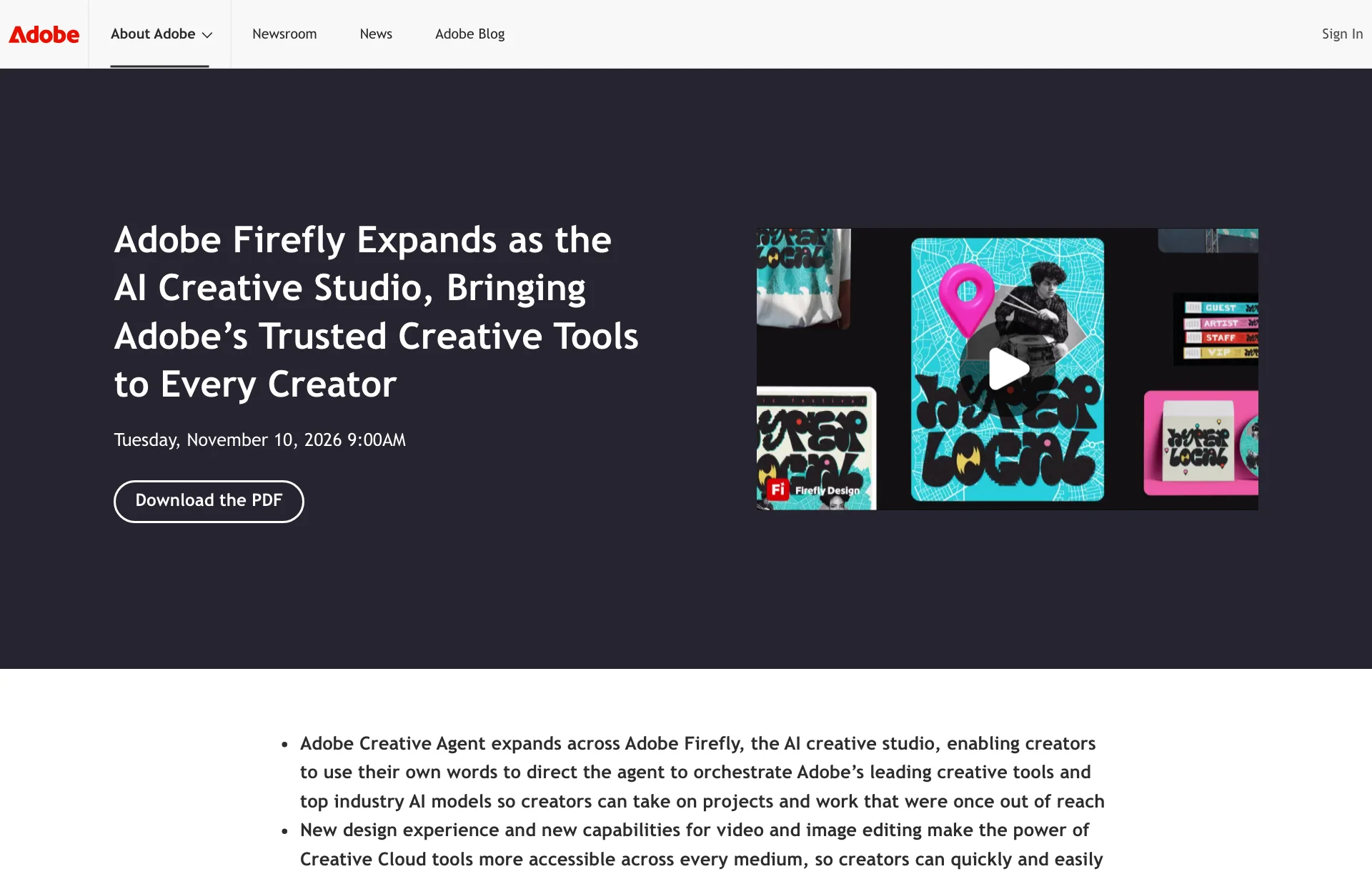
This is based on three Adobe newsroom releases (Firefly expansion, Creative Cloud updates, MAX overview). Nothing here comes from using the apps, and every status label is Adobe's.
Sorted by the labels in the releases
| Item | Status in the release | What it means for designers |
|---|---|---|
| Edit Text, Retouch, Relight, Quick Actions (Firefly) | Generally available | Open them today |
| Illustrator Blend controls, refreshed content library | Under the line "new Creative Cloud capabilities are generally available today" | No per-app status given |
| AI Assistants in Illustrator, InDesign and others | Beta | Built on Creative Agent |
| InDesign co-editing | Beta | Real-time editing together |
| Firefly Design | Beta | Illustration, image editing, animation, 3D and print on one canvas |
| Firefly Graph | Beta | Builds repeatable workflows |
| Firefly Builder | Private beta | Waitlist required |
| Always-on agents | Preview | For recurring work like asset organization and quality checks |
| Local MCP integrations | Preview, private beta planned for early 2027 | Third-party AI agents edit Adobe files on your machine |
Sources: Adobe, Adobe Firefly Expands as the AI Creative Studio, Adobe, Adobe Transforms Creative Cloud Tools, Adobe, Adobe Powers a New Era of Creativity (all announced 2026-11-10, checked 2026-11-16)
The top and bottom rows stand out. What you can open today is a handful of Firefly editing tools, and wiring an outside agent into your files starts with a private beta early next year.
A plan you read before the agent starts
Firefly AI Assistant gets Plan Mode. Per the release, you can review, edit and approve the agent's plan before it begins, or let it run on its own.
The awkward moment with an agent handed twelve artboards isn't the result, it's not knowing what it touched. If the plan says "apply to all artboards" or "include logo layers," you can cut that line on the spot. Figma's side of this problem showed up as an undo count, while Adobe went with confirmation up front. Which is less work in practice would take running both on the same file.
Model Selector follows the same logic. You pick a model per session, or leave Auto-Select on and Creative Agent chooses for the output. Recently added image and video models named in the release include Dreamina Seedance 2.5, Kling 4.0, GPT Image 2.6 Sunburst and Flare, and Nano Banana 2.1. Providers include Topaz Labs, ByteDance, Google, Kling, OpenAI and ElevenLabs. Whether credits differ by model isn't stated.
Writing brand rules once
The customization item says you set formats, colors, brand guidelines, characters and products once, and they apply across projects. That removes retyping "use this blue, this typeface" every time.
It points the same way as keeping a design-rules note for AI. But the release doesn't say how much you can put in, whether you can upload a logo file or a PDF guide, or whether rules can differ per project.
What changes in Illustrator and InDesign
Illustrator gets new Blend controls that work right on the canvas and a refreshed content library; its AI Assistant is in beta. InDesign adds Flex Layout, which resizes text frames dynamically, Check Document for common problems, and Rewrite for text, with co-editing marked beta.
The release lists these in a line each, with no screens or steps. How far Flex Layout follows across a multi-page document, or what Check Document looks for, only shows up once you open the app.
Early 2027: local MCP
The longest wait in the releases is local MCP. In plain terms, outside AI agents such as Claude or ChatGPT can open and edit Photoshop, Illustrator, Premiere and After Effects files on your own computer, with layers, sequences and vectors staying editable. It is a preview now, with a private beta planned for early 2027.
InDesign isn't on the list of target apps, and a private beta isn't something anyone can sign up and use. Building a workflow around this connection this winter is early.
Not in the releases
Things we looked for and couldn't confirm:
- How many generation credits Firefly Design and AI Assistant use. The release only links to the Firefly pricing page
- Supported platforms and a GA date for Firefly Design
- Whether Creative Agent also lands in the Photoshop desktop app. Photoshop isn't in the release's list of main apps, and its AI Assistant is described as available in the beta app
- How well it follows Korean instructions
- How faithfully the result reflects edits you make in Plan Mode
For how Figma's agent credits work, see our credits piece. Whether Adobe works the same way can't be told from this release.
Things to try this week
Open the GA items first. Edit Text, Retouch, Relight and Quick Actions in Firefly are generally available. Try all four on one live project file and see whether they shorten revision time.
Use betas on copies only. Open a duplicate, not the original, when you switch on AI Assistant or co-editing. Plan Mode helps, but changes the plan doesn't mention only show up once you open the result.
Decide which plan lines to check. An untested example prompt:
On these twelve business-card layouts, leave logo size and position alone and set only the name line to 12pt. Show me the plan before you start.
The two lines to check are "layers to change" and "what stays untouched."
In a week when new features arrive all at once, reading the status label before the name saves time. That alone separates what to open today from what to wait for next year.
Sources
- Adobe: Adobe Firefly Expands as the AI Creative Studio (2026-11-10)
- Adobe: Adobe Transforms Creative Cloud Tools (2026-11-10)
- Adobe: Adobe Powers a New Era of Creativity (2026-11-10)