Articles · AI Design
Penpot 2.19 lets one library hold your color and type rules for every file that uses them
What Penpot's October 28 release note and user guide confirm about shared design tokens, per-side strokes and WebGL rendering, where the GitHub releases page disagrees, and what to back up before you try it.
Translated from the Korean original. Read in Korean
When a message arrives saying the brand blue has changed, someone with twelve files opens twelve files. Fix the color style, check the buttons by eye, move on to the next file. (This is an imagined scene, not something that happened to me.)
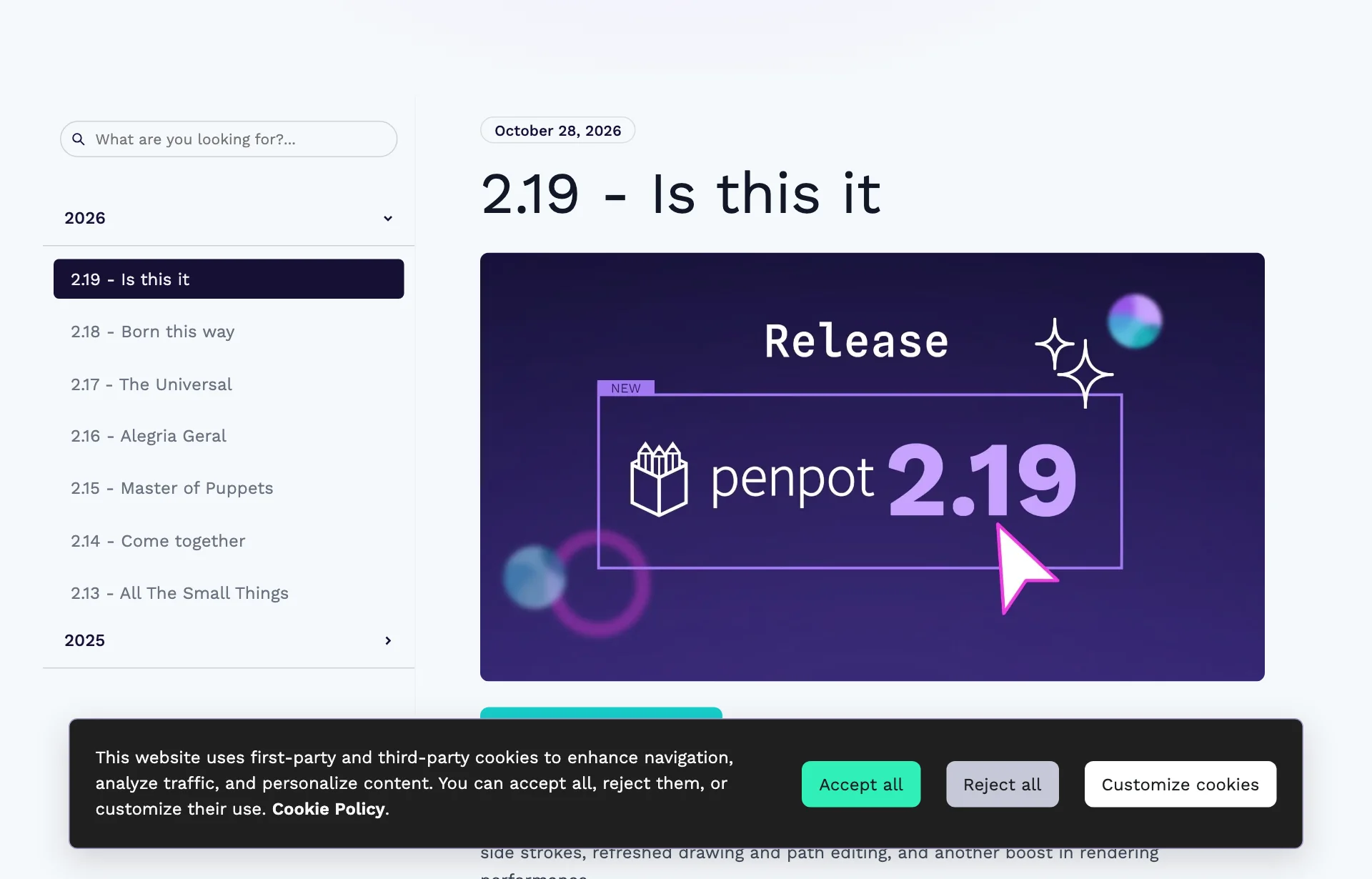
Penpot's release notes added 2.19, "Is this it," dated October 28. One line touches that scene directly: you store tokens in one library and every file connected to it uses them. This is not a hands-on review. I only wrote down what I could confirm in the release note, Penpot's user guide and the GitHub releases page. I did not check whether the feature is switched on in my own account.
Five lines in the release note
The note is short. It lists five features with a sentence or two each.
| Feature | What the note says |
|---|---|
| Tokens shared from a library | Store tokens in one library and use them in every connected file |
| Per-side strokes | Rectangles and boards can set stroke width on each side |
| Path editor | Smoother freehand curves, node snapping on by default |
| Custom shortcuts | Reassign any shortcut, export and import your setup |
| WebGL rendering | Sharper text, smoother canvas, much faster exports |
Source: Penpot 2.19 "Is this it" release note (checked 2026-11-02). The table summarizes the note's sentences.
The note says the release "has more than one email can hold."
What a token is, and what changes when it lives in one place
A design token is a named value for something like a color, a font size or a spacing step. Instead of "blue #1F4FFF" you write "button background." Change the value once and everything using that name follows. In plain terms, it is a list of color and type-size rules.
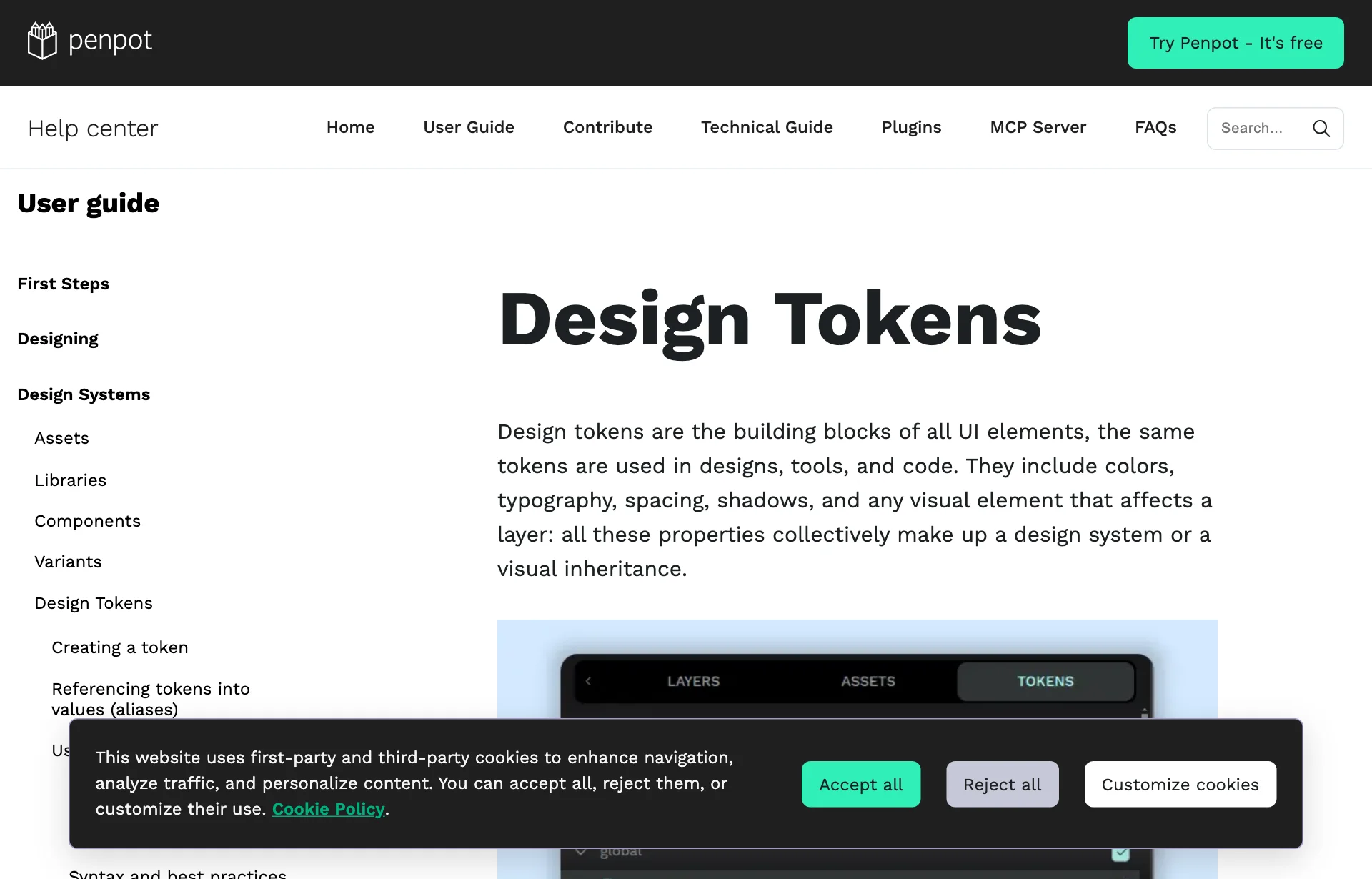
Penpot already had tokens. According to the user guide, you click + next to a token type in the Tokens panel and enter a name and a value. To reference another token, you wrap its name in curly braces, and numeric tokens accept math operators. Tokens apply to several selected layers but not to groups.
What 2.19 adds is one sentence: "Tokens stay in sync with library updates, just like components and colors." Tokens now behave like components (reusable parts such as buttons and cards) and color styles: edit the library and connected files move with it. Back to the twelve files, this is aimed at editing the blue once in the library and letting the files follow.
How the docs say sharing works, and the catch
The guide's library-sharing section goes like this. Tokens live in a file. To share them, keep them in a shared library and set that library as the tokens source for other files. One more line matters: import is unavailable while a library is the tokens source.
Read sets and themes alongside it.
- Sets split tokens into collections. If the same name appears in several sets, the set listed last overrides the others.
- Themes decide which sets are active, for example per brand or light and dark mode. Several themes can be active at once, and when grouped, only one theme per group is active.
- You can import and export a single JSON file, a ZIP, or a folder of files. But import replaces the global token set.
That last line matters in practice. If a file already holds tokens, pressing import changes them. Export the current tokens as JSON first. The guide does not call this feature beta.
Borders per side
Rectangles and boards can set stroke width on each side. The note compares it to border radius: keep the sides uniform or set each one separately. It says this works with tokens too.
Think of a line only under a card, or table rows that have dividers on top and bottom only. Until now the common workaround was laying thin rectangles on top. I have not tried how much this replaces that habit.
Path editor, shortcuts and WebGL
Three short ones.
The path editor draws smoother freehand curves and shows the path toolbar while you draw. You can continue a path from existing nodes and segments, and node snapping is on by default.
Shortcuts: every one can be reassigned. Search by action or key combination, then record a new binding. Penpot warns you if the combination is already taken, and you can reset one or all. If your hands are used to Figma or Sketch, this is where you will start.
WebGL rendering is turned on "in your user settings." The note promises sharper text, a smoother canvas and much faster exports. It does not say whether it is the default or list known issues. A Penpot community post about the renderer's roadmap, which turned up in search, described it as an opt-in beta from 2.16 and said view mode and exports still used the older renderer at that time. I did not open that post in full. So beyond the note's single line I cannot say how 2.19 changed exports.
GitHub still shows 2.18.5
Something did not line up. On the GitHub releases page, the version marked "Latest" was 2.18.5 from October 26, and I did not see 2.19. The 2.19.0 entry in the changelog file that the release note links to said "unreleased."
There are several readings. The site's note may have gone up before the GitHub release, or the GitHub page I opened may be an older copy. Whether the hosted app already has 2.19, and when self-hosters can get it, I could not confirm.
Quiet on the AI side
The note has no new AI feature. The only AI-adjacent line is a bug fix from a community contributor: a crash when switching pages with the MCP plugin (the connection between an AI tool and your file) attached. The other fixes are a Windows build error, prototype overlay position and stroke-to-path on path ends.
What I could not find out
- When the hosted app gets it. The note is dated October 28, while GitHub's latest looked like 2.18.5.
- The steps to connect a file to a library. The 2.19 note gives none. Whether the guide's "set as tokens source" is the same flow, I could not confirm.
- How fast library edits reach connected files. The note does not say whether you get a prompt and press update, as with components, or whether it is automatic.
- Whether WebGL is the default.
- How per-side strokes appear in export or inspect view.
What to do now
Export your current tokens before moving them. Import replaces the global token set. Download today's token JSON so you have a way back. Since setting a library as the source blocks import, doing import first and source second seems easier. That order is my inference from two lines in the guide.
Name tokens by use, not by color. "Button background" stays true when the brand color changes; "blue" does not. For gray text, check contrast against the background first. While building this site I once checked gray text contrast with a checker and fixed it, so I filter for that before collecting values into tokens. For handing the same rules to an AI coding tool, see DESIGN.md, one file to hand your design rules to AI.
Time WebGL on the same file. Export your heaviest file once with it off and once with it on. "Much faster" in the note means some number of seconds on your file, and you only learn it by trying. If something misbehaves, switch it off in the same settings. For why AI screens look alike from the design-system side, see Why Lovable dropped the three design directions.
Sources: Penpot 2.19 "Is this it" release note, Penpot release notes index, Penpot user guide: design tokens, Penpot on GitHub: releases, Penpot changelog (CHANGES.md), Penpot community: What's next for the Penpot WebGL renderer